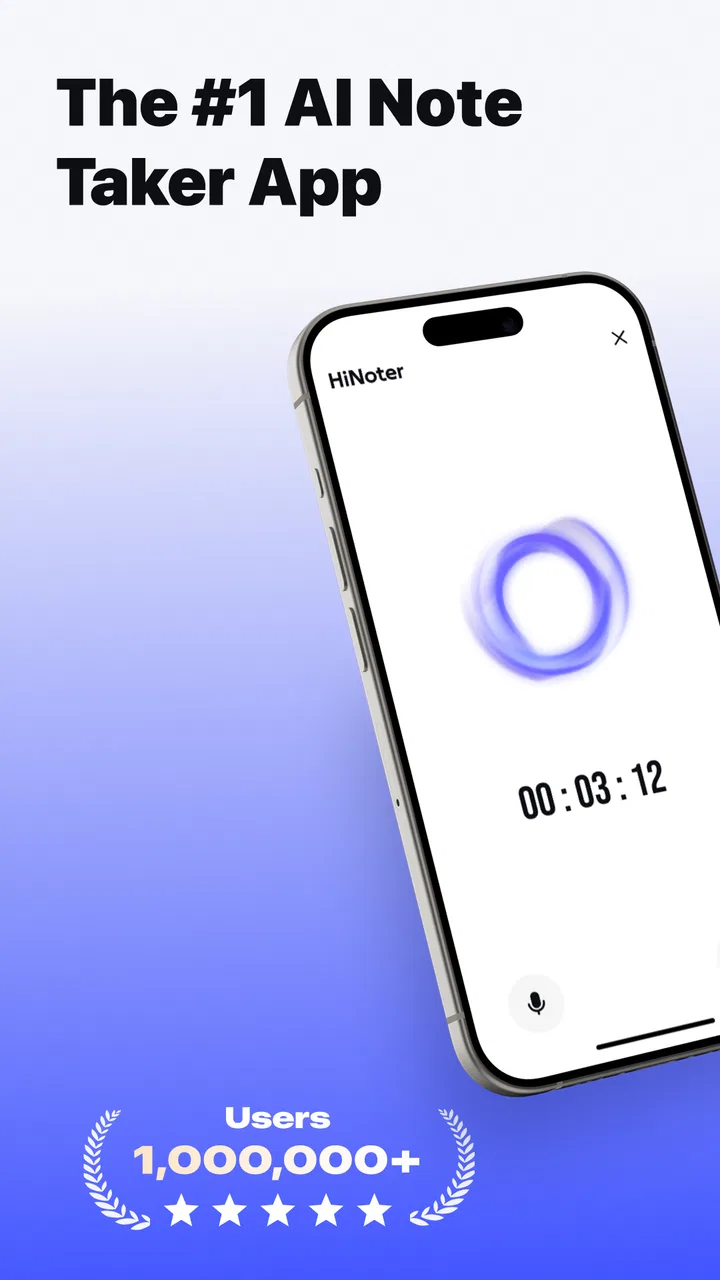
HiNoter - AI Note Taker
- 4.7
- Rating
- 1.00M
- Installs
- Free
- Price

 Analysis by App-foxy
I approach meeting transcription apps with a little caution. They can save a huge amount of time, but they also sit close to some of the most sensitive conversations in daily work: plans, customer details, personal information, and unfinished ideas. HiNoter - AI Note Taker caught my attention because it focuses on turning meetings into usable notes rather than leaving me with a wall of audio or a rushed page of typing. After spending time with it as a productivity app, I found the main appeal straightforward: it can automatically transcribe a meeting and pull out summaries and action items so I can return to the work instead of reconstructing the discussion later.
That promise is useful, but I would not treat any automatic note taker as a silent replacement for judgment. The quality of a meeting record depends on what is captured, how clearly people speak, and whether the resulting summary reflects the actual conversation. My view of HiNoter is therefore practical rather than dazzled: it is a convenient assistant for organizing discussions, especially when follow-up tasks tend to disappear, but it deserves careful handling whenever a conversation contains information that should not be broadly shared.
How HiNoter fits into a real productivity routine
HiNoter is developed by Nieruo Team and belongs to the productivity category. It is free to install, with optional in-app purchases listed from $2.99 to $399.99 per item. That pricing range is wide enough that I would check the purchase screen carefully before committing to anything beyond the free experience. The app is rated for Everyone, runs on Android 8.0 or later, and its current version is 4.8.0. It has reached over one million installs and holds a 4.7 average from around forty-six thousand ratings, which suggests that the basic idea has found a substantial audience.
You May Also Like

 Blood Strike: 2.5 Anniversary
Blood Strike’s Loadouts Turn Every Drop Into a Tactical Gamble
A close look at Blood Strike’s custom loadouts: how fast access to signature weapons reshapes its battle royale rhythm, rewards preparation, and narrows the gap between fights.

 Pandora - Music & Podcasts
Pandora’s Music Is Easy to Start, but Harder to Recover
Pandora’s strength is its low-effort path from a seed to a station. Its weak spot is how much confidence it asks you to place in connection, setup, and quiet recovery.

 8 Ball Pool
 Is Built on Rivalries, Rematches, and Routine
A close look at the rivalries, rematches, shared routines, and unanswered safety questions that turn a quick pool match into a persistent mobile community.

 Samsung Music
’s Quiet Strength Is Playing What You Already Own
Its reach comes less from spectacle than from dependable access to a personal library. That simplicity is both the app’s strongest retention engine and its ceiling.

 AccuWeather: Weather Radar
AccuWeather Review: A Quick, Clear Forecast for Everyday Decisions
For everyday plans, the best forecast is the one you can understand quickly. AccuWeather makes rain timing, radar, and local conditions easy to act on, with a few trade-offs.

 Hill Climb Racing
Why Hill Climb Racing Still Turns Crashes Into One More Run
A tiny car, a bumpy hill and one more upgrade: Hill Climb Racing keeps resurfacing because its simple chaos makes every near-miss feel personal.
More From Our News Desk



The app’s useful role becomes clearer when I imagine a normal workday. I might join a planning call while also needing to watch a deadline, then finish the meeting with several vague promises: someone will check a figure, I will send a draft, and the group will revisit a decision next week. Manual notes often capture only the first half of the conversation. A transcription gives me a fuller record, while the summary and action-item extraction can turn that record into something I can actually use.
That workflow is more valuable than simply having every spoken word saved. A transcript is a reference; a task list is a prompt to act. I would use the transcript to verify a disputed detail, the summary to regain context quickly, and the action items to build my next steps. The important habit is to treat the generated result as a first draft. I would read through names, dates, responsibilities, and decisions before forwarding it to anyone.
For a student, HiNoter could help organize a study discussion or review a recorded explanation. For a freelancer, it could reduce the time spent turning a client call into a follow-up message. For a small team, it could make recurring meetings easier to revisit. The strongest use case is not “record everything”; it is “reduce the gap between talking and doing.”
What the automatic output is good at
The combination of transcription, summaries, and action items gives HiNoter a more useful shape than a basic voice recorder. A recorder preserves sound, but it leaves the sorting work to me. Traditional handwritten notes are faster for marking personal priorities, yet they are easy to miss when several people speak quickly. HiNoter sits between those approaches: it can provide a fuller source while attempting to identify the parts that matter most after the meeting.
I especially like the possibility of using the transcript as an audit trail for the summary. If an action item looks unclear, I can return to the surrounding discussion instead of guessing what the speaker meant. That is a small but important workflow improvement. It also exposes a trade-off: the more I rely on the summary alone, the more I risk accepting a simplified interpretation of a complicated conversation.
A practical method is to review the output in three passes. First, I look for obvious transcription errors, particularly around names, technical terms, and figures. Next, I check whether each action item has a clear owner and a meaningful next step. Finally, I compare the summary with the decisions I remember from the meeting. This takes less time than writing full notes from scratch, but it prevents automation from becoming an unexamined source of truth.
Another useful approach is to keep personal reflection separate from the meeting record. I would use the generated notes for what was said, then add my own short comments about urgency, dependencies, or questions. That separation makes it easier to distinguish the app’s capture from my interpretation. It is also helpful when I need to explain later why I chose a particular follow-up.
Where the usual alternatives still have an advantage
HiNoter is not automatically better than every other note-taking method. A plain notes app is often the better option for a private brainstorming session where I do not want to create a full spoken record. Handwritten notes can be superior when I need to decide immediately what matters instead of reviewing a long transcript. A conventional recorder may also be preferable when my only goal is preserving audio and I do not need automated interpretation.
There is also a human advantage that software cannot reproduce reliably: I can deliberately write down why a decision was made, not just what words appeared in the conversation. If the discussion is highly visual, depends on gestures, or includes information written on a whiteboard, a transcript may miss the context that made the exchange understandable. In those situations, I would use HiNoter alongside concise manual notes rather than expecting it to capture the whole meeting.
For short, simple conversations, the setup and review may not be worth it. If I only need to remember one appointment or one idea, typing a sentence into a regular notes app is quicker. HiNoter earns its place when the meeting is long enough, detailed enough, or important enough that reconstructing it later would be annoying or risky.
Trust, control, and careful use of meeting records
Trust is the part I would examine before making HiNoter a routine tool. A transcription app deals with spoken content, and spoken content can include information belonging to other people. I would not begin by asking whether the app is convenient; I would first ask whether everyone involved understands that the conversation is being captured and processed. Consent is not a decorative courtesy here. It is part of using the tool responsibly.
I would also review the app’s visible permission requests and privacy choices during setup, then revisit them after updates. The safest pattern is to grant only what the current task requires and to avoid approving access automatically. If Android presents a permission explanation, I would read it rather than tapping through. I would do the same with any account, storage, sharing, or notification choices shown inside the app.
Because the app handles transcripts and extracted tasks, I would be especially careful with meetings involving health information, legal matters, confidential customer records, unreleased products, or private personnel discussions. In those settings, my default would be to ask for explicit approval before using an automated note taker. If the organization has a required recording or data-handling process, that process should take priority over convenience.
There is a useful distinction between permission and agency. A permission prompt tells me what access the app wants; agency means I can make an informed decision about when to use it, what to share, and what to keep. I would look for clear controls around recording, transcript access, deletion, and sharing wherever they are presented. I would also avoid sending generated summaries to a group without checking them first, because a short summary can expose sensitive details more widely than the original conversation.
My cautious workflow would be simple. Before a meeting, I would tell participants that I plan to use an automated note taker and give them a chance to object. During the meeting, I would avoid treating the transcript as a private scratchpad for unrelated thoughts. Afterward, I would correct important errors, remove material that does not belong in the follow-up, and share only the portion that people need.
I would also think about account access. If the app offers sign-in or synchronization choices, I would use an account that matches the sensitivity of the work and protect it with the strongest available device and account security. On a shared phone or tablet, I would be more conservative, since meeting notes may be visible to the next person using the device. These are not reasons to reject HiNoter; they are reasons to use it deliberately.
Small habits that make the results more dependable
Clear speech helps any transcription system, so I would encourage participants not to talk over one another when a decision is being made. I would also say names and specialized terms distinctly when they first appear. This is not about speaking unnaturally for the entire meeting; it is about creating a few clear anchors that make the later review easier.
At the end of a meeting, I would reserve a minute to restate decisions and responsibilities aloud. That improves the meeting itself, but it also gives the transcript a cleaner final checkpoint. If the extracted action items miss something, the closing recap provides a better chance of catching it. This is one of the most effective ways to improve the value of an automated note without adding much effort.
I would avoid forwarding the first generated summary immediately after a difficult conversation. Instead, I would compare it with my own memory while the meeting is still fresh. The app can reduce the burden of note-taking, but it does not remove the responsibility to confirm what was agreed. This matters particularly when a summary turns a tentative suggestion into wording that sounds like a final decision.
Another trade-off concerns completeness. A detailed transcript can be reassuring when I need to check context, but it can also create more material to protect and review. A short summary is easier to share, yet it may hide uncertainty or disagreement. I would keep the fuller record only when there is a clear reason to do so, and I would make the shorter follow-up reflect the actual level of certainty in the meeting.
Who should use it, and who should skip it
I would recommend HiNoter to people who regularly leave meetings with scattered notes and unfinished follow-ups. It makes the most sense for project planning, interviews conducted with permission, study groups, client discussions where recording is acceptable, and recurring team conversations that need a reliable recap. The app is particularly appealing if I value searchable context but do not want to type continuously while listening.
I would be more hesitant to recommend it for highly confidential conversations, environments with strict recording rules, or meetings where participants are uncomfortable with automated processing. I would also skip it when the discussion depends heavily on visual material or when a short handwritten note would solve the problem faster. People who want complete control over wording may prefer manual notes, because automatic summaries can omit nuance even when the transcript is mostly useful.
The free entry point makes it easy to try the basic workflow without treating the purchase as an immediate commitment. Still, I would pay attention to the in-app purchase choices, especially because individual items range from $2.99 to $399.99. I would not assume that every capability I want belongs to the free experience, and I would confirm the cost and scope of any upgrade before approving it.
HiNoter is suitable for Everyone from an age-rating perspective, but that label does not mean every meeting is appropriate for automated transcription. The content of the conversation matters more than the general age classification. A family discussion, a classroom exchange, and a confidential business call may all be spoken conversations, yet they carry very different expectations about privacy and sharing.
My cautious verdict after using the workflow
HiNoter - AI Note Taker is most convincing when I judge it as a meeting follow-up assistant rather than a magic note writer. Its automatic transcription can preserve context, while summaries and action items help turn that context into work I can finish. The app’s strong rating and large install base make it a credible option to test, but popularity does not remove the need to inspect permissions, account choices, and sharing behavior for myself.
My recommendation is conditional but positive: try it for ordinary, consented meetings, build a habit of checking the generated output, and keep sensitive conversations outside the workflow unless everyone and every relevant policy allows it. I would not use the app on autopilot. The best results come when I combine its speed with human review, especially around names, commitments, uncertainty, and private details.
If your main problem is forgetting who agreed to do what, HiNoter could become a genuinely helpful part of your routine. If your priority is absolute privacy, instant handwritten control, or capturing visual context, a traditional notes app or manual method may suit you better. For me, the deciding factor is user agency: the app is valuable when I choose the right meetings, tell people what is happening, and treat its output as an editable aid rather than an unquestionable record.
FAQs for HiNoter - AI Note Taker
01What is HiNoter - AI Note Taker, and who is it designed for?
HiNoter - AI Note Taker is an AI-powered productivity app designed to help users capture, organize, and review information more efficiently. It can be useful for students, professionals, journalists, and anyone who regularly attends meetings, classes, interviews, or brainstorming sessions. Instead of relying entirely on handwritten notes, users can use the app to create structured summaries and keep important details easier to find later.
02How does HiNoter create notes and summaries from conversations?
HiNoter generally works by processing recorded or provided audio and converting spoken content into written notes, depending on the features available in the current version. Its AI can help identify key points, organize information, and produce summaries that are easier to read than a full transcript. Results may vary according to recording quality, background noise, speaker accents, language support, and the clarity of the conversation.
03Does HiNoter - AI Note Taker require an internet connection or an account?
Some HiNoter features may require an internet connection because audio processing, transcription, and AI-generated summaries can be handled through online services. The app may also ask users to create or sign in to an account so notes can be synchronized or managed across devices. Before downloading, check the current store listing and the app’s privacy information for exact account, connectivity, and synchronization requirements.
04Is HiNoter safe for private meetings, lectures, or sensitive information?
Users should review HiNoter’s privacy policy before recording confidential conversations or uploading sensitive material. AI note-taking services may process audio, transcripts, or summaries on remote servers, and recording other people can require their permission depending on local laws. Avoid using the app for highly sensitive information unless you understand how data is stored, protected, shared, and deleted.
05Is HiNoter - AI Note Taker free to use, or does it include paid features?
HiNoter may offer a free download with limitations, while advanced functions such as longer recordings, additional summaries, expanded storage, exports, or higher usage limits could require a subscription or in-app purchase. Pricing and included features can change between Android and iOS versions. Check the relevant app store page carefully before starting a trial, especially because subscriptions may renew automatically.
Pros
- Automatically summarizes meetings and conversations into clear notes.
- Searchable transcripts make it easy to find specific details later.
- AI-generated action items help organize follow-up tasks.
- Supports faster note-taking without constantly typing during discussions.
- Useful for reviewing missed points after a meeting or interview.
Cons
- Transcription accuracy may drop with background noise or multiple speakers.
- AI summaries can miss context or misunderstand technical terminology.
- Privacy concerns may arise when recording sensitive conversations.
- Some features may require a subscription or usage limits may apply.
- You may need to edit notes manually before sharing them professionally.

HiNoter - AI Note Taker
Gallery